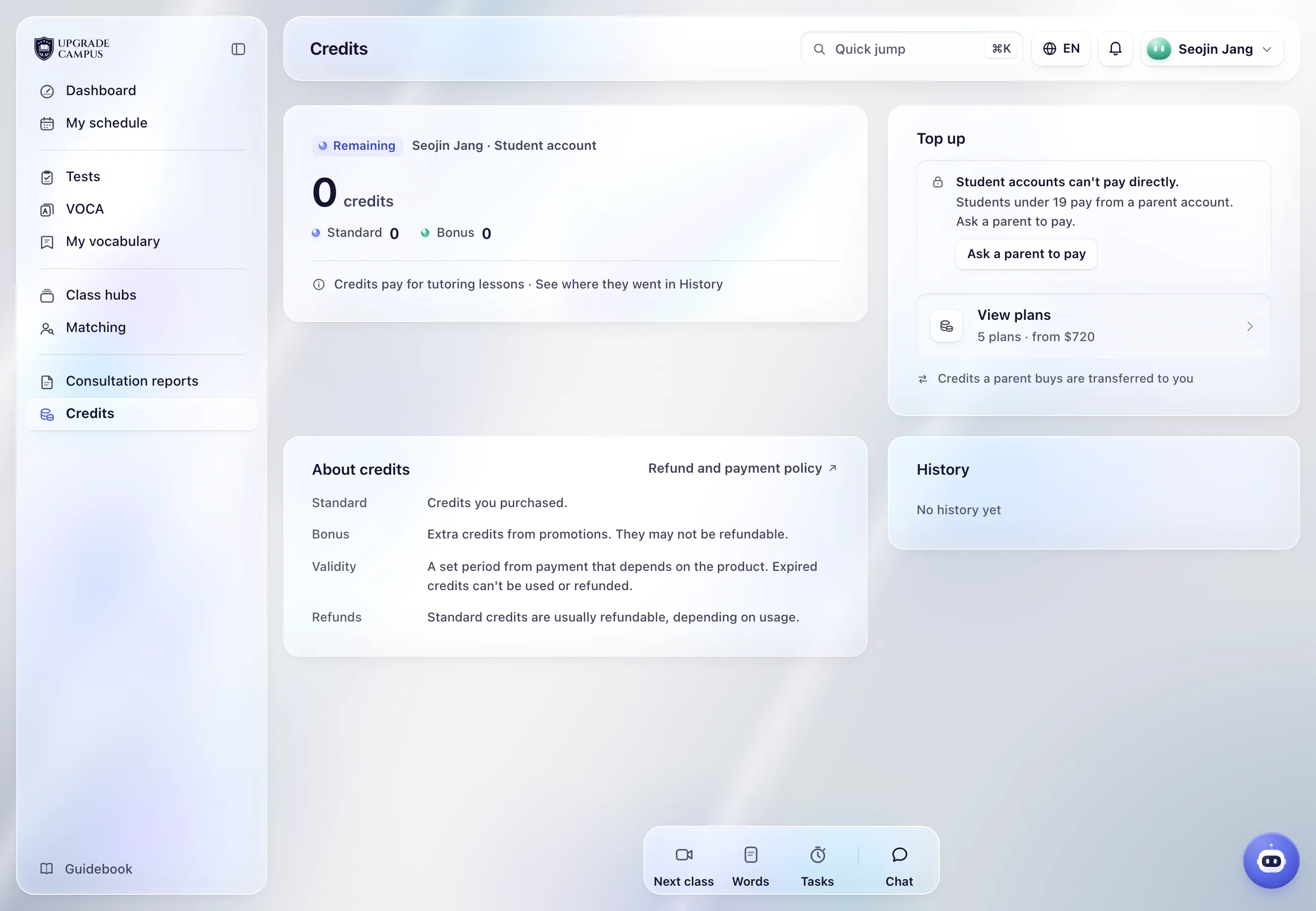
In “Credits”, select “Ask a parent to pay” and save your parent's phone number. If it matches the number on your parent's account, they get a request, and you're connected once they approve.
If you see “Enter your parent's number, not your own.”, you entered your own number. “Please check the phone number.” shows when the number isn't valid.
If you're already connected, the sheet shows only “Payments are made from a parent account.” with no number field. Just ask your parent to pay.
If you're the only child linked to your parent, credits they buy come straight to you. If more children are linked, your parent needs to transfer credits to you before you can use them.
Type a question and we look it up in the guide. Screen and button names work too.